
Workday Orchestrate for Integrations: A Practical Introduction
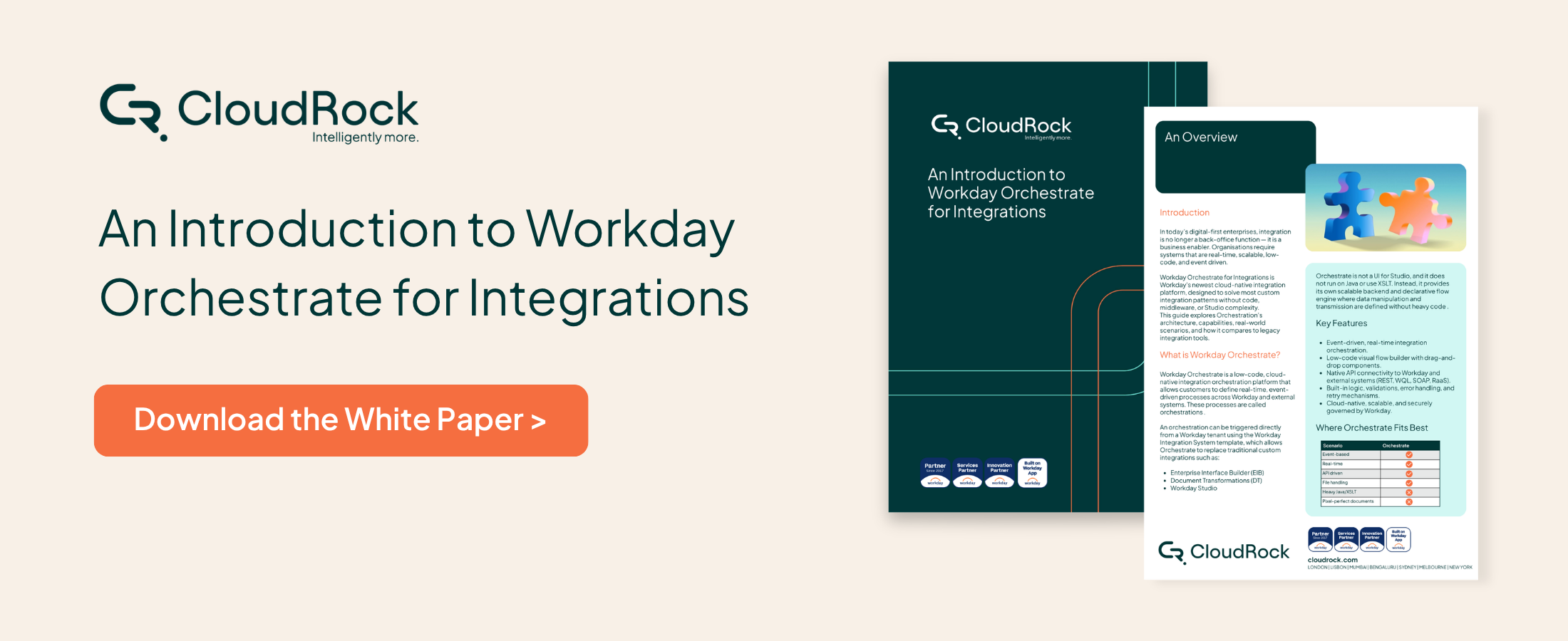

Why Workday Orchestrate Matters
As enterprise landscapes become more connected, integration can no longer be treated as a background technical task. It plays a direct role in how efficiently systems communicate, how quickly processes move, and how confidently organisations can scale.
Workday Orchestrate reflects a wider shift towards more modern integration design. It gives organisations a new way to think about connecting Workday with external systems, with a stronger focus on agility, responsiveness and maintainability. Rather than relying on overly complex approaches for every scenario, organisations now have an opportunity to explore a more streamlined alternative for selected integration needs.

Where It Can Add Value
The real value of orchestration becomes clearer when viewed through the lens of practical business needs.
From real-time data movement to workflow automation and connected cross-system processes, Workday Orchestrate has the potential to support a wide range of integration use cases.
It can be particularly relevant for organisations looking to modernise existing integration approaches, reduce friction across systems, or improve responsiveness to business events.
The full white paper explores these use cases in more depth, including practical examples of where orchestration can support stronger process connectivity.

Why It Is Worth Exploring Now
For many organisations, the challenge is no longer whether integration matters, but how to approach it in a way that balances flexibility, scalability and control.
That is why Workday Orchestrate is worth closer attention. It represents more than just another integration tool. It signals a shift towards simpler, more modern orchestration within the Workday ecosystem.
Understanding where it fits, how it works and what it enables can help organisations make more confident decisions about their future integration strategy.

Want to Understand How Workday Orchestrate for Integrations Works in Practice?
Read the full white paper which takes a deeper look at:
What Workday Orchestrate for Integrations is
The core capabilities it introduces
Where it can support common integration scenarios
How organisations can begin enabling and exploring it
The practical considerations to keep in mind
Frequently Asked Questions About Workday Orchestrate for Integrations
-
Workday Orchestrate for Integrations is Workday’s cloud-native orchestration capability. It allows organisations to design integration workflows that connect Workday with external systems while managing data transformation, logic and communication within a scalable orchestration environment.
The platform is designed to support modern integration patterns while reducing the reliance on complex custom development.
-
Traditional integration approaches often rely on custom development, middleware platforms or tools such as Workday Studio.
Workday Orchestrate introduces a different model built around orchestration flows and a declarative engine. This allows integration logic, transformations and communication between systems to be managed in a more structured and scalable way.
The full guide explains how this architecture works and where it fits alongside existing integration tools.
-
Workday Orchestrate can be valuable when organisations need to coordinate multi-step integration workflows, connect Workday with external APIs or automate actions triggered by business events.
It can also support scenarios where integrations require transformation, validation or conditional logic before data is exchanged between systems.
The guide explores common use cases in more detail.
-
Yes. One of the advantages of orchestration is its ability to support event-driven communication between systems.
This means integrations can respond to business events as they occur rather than relying solely on scheduled batch processes. This can improve responsiveness and help ensure systems remain aligned.
-
No additional infrastructure is required. Workday Orchestrate runs within Workday’s cloud environment and can be enabled through configuration steps within your tenant.
The full guide outlines the steps organisations need to follow to enable the capability and begin exploring it.
-
Developers build orchestration applications through the Workday Developer Site, where they can create, test and deploy integration applications.
This environment provides the tools needed to design orchestration flows and connect them to Workday services and external systems.